

ThreatLocker Rolls Out Zero Trust Cloud Access and Zero Trust Network Access
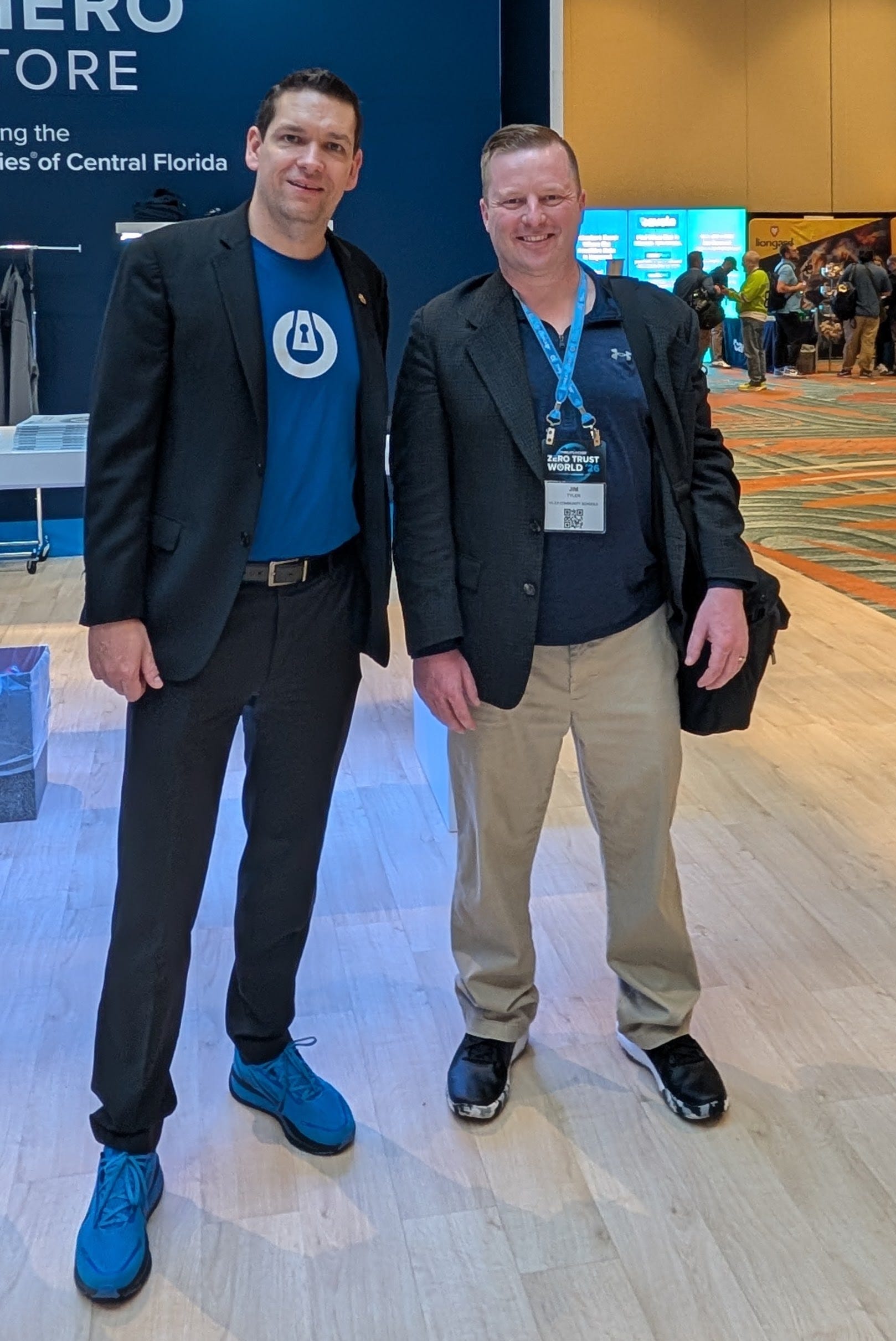
For the past few days, I’ve had the pleasure of attending Zero Trust World, a cybersecurity conference in Florida. ThreatLocker is a zero trust EDR/MDR platform that comprehensively locks down endpoints with a variety of strategies. Full disclosure, I am not being paid to write this; I’m just a huge fan.
ThreatLocker has rolled out some fantastic new features. The star of the show was their new Zero Trust Cloud Access, which basically acts as a high-speed broker for SaaS apps like Microsoft 365 and GitHub. Instead of the usual clunky VPN that tunnels everything, this system only routes the specific protocols you need, and it ties your identity to your actual hardware. This means even if a hacker manages to phish your password and MFA code, they’re still stuck because they don’t have your physical device or your face for the biometric check.
They also dug into Zero Trust Network Access (ZTNA), which is all about securing your local “vault” without leaving any doors open. This is a huge deal because you can now write policies that allow a specific app to talk to a database while explicitly blocking PowerShell from doing the same. It’s a clever way to stop “living off the land” attacks where intruders use your own admin tools against you. Plus, they’ve added a “Default Against Misconfigurations” (DAC) tool for Office 365 that constantly scans for security gaps, like accidental mailbox forwarding or disabled MFA, and gives you a simple score to see how you’re doing compared to everyone else. Check out the video to see how these new features work. There were many other great sessions that will published online soon.
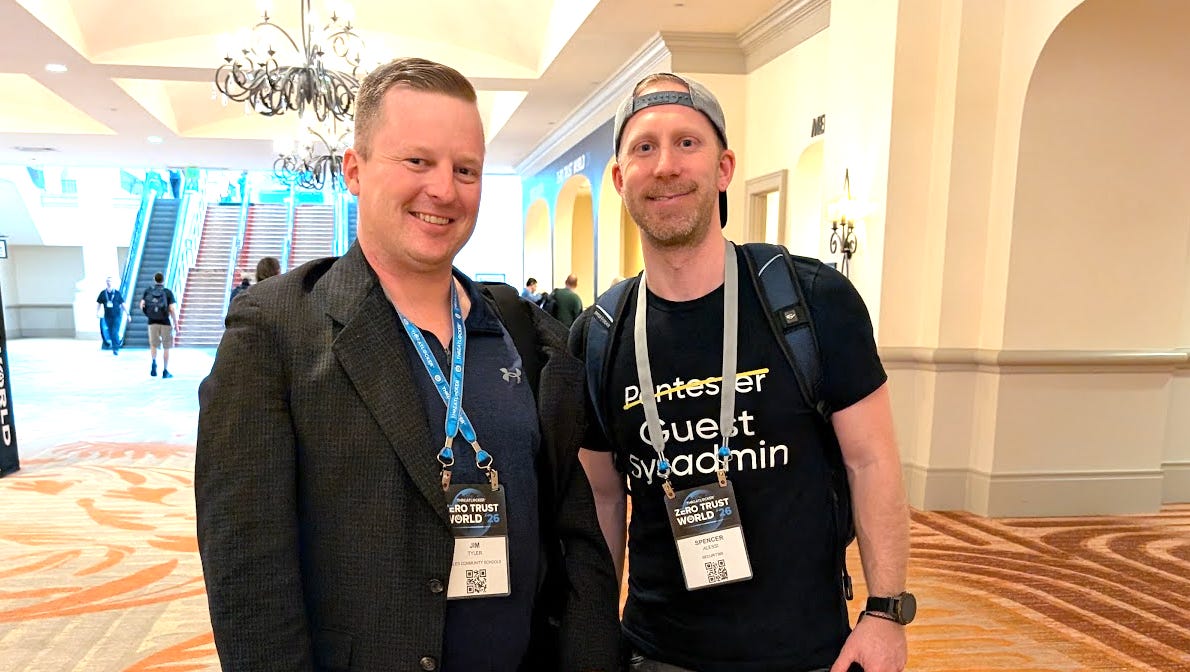
I also ran into fellow Microsoft MVP and author of ScriptSentry, Spencer Alessi, who had a great Active Directory hacking lab. If you aren’t familiar with his work utilizing, check him out here:
https://github.com/techspence/ScriptSentry
Monad to Millions - Celebrating Jeffrey Snover & the PowerShell Community

Heiko Brenn will be hosting a special live-stream celebration honoring Jeffrey Snover, the creator of PowerShell, and the incredible community that turned a bold idea (Monad) into a global movement.
In this one-hour event, Jeffrey reflects on the origins of PowerShell, key moments along the journey, and what it means to see the community take ownership of the platform. Members of the PowerShell community share stories, laughs, and memorable moments, including some classic “Snover Stories” you won’t want to miss.
Whether PowerShell shaped your career, saved your weekend, or just made automation fun, this stream is about the people behind the shell, and the legacy they built together.
https://www.linkedin.com/events/7425468327407321088/
PowerShell is fun :) Over 1.000.000 views!

Harm Veenstra has a great post about celebrating one million site views and reflecting on a four-year journey of sharing PowerShell passion. The article highlights the importance of community involvement, Microsoft MVP recognition, and the support of sponsors like PDQ in reaching this significant achievement.
https://powershellisfun.com/2026/02/27/over-1-000-000-views/
Microsoft Graph Delta Query in PowerShell
Alf Løkken has an interesting article on performing stateful, incremental synchronizations of Entra ID resources using PowerShell. This guide demonstrates how to use delta tokens to retrieve only new or updated objects, effectively moving away from inefficient full-dataset snapshots.
https://alflokken.github.io/posts/graph-delta-queries/
Rename ComputerName Win32 App during Windows Autopilot
Manish Bangia has an interesting video about how to use a PowerShell script within a Win32 app to automatically rename computers during the Windows Autopilot process. This method bypasses the limitations of standard naming templates by using custom logic based on chassis type and serial numbers to ensure unique and descriptive hostnames.
Architecting Systems That Last - with Jeffery Snover
Hassan Habib has a good interview about the history of PowerShell and the architectural philosophies of its creator, Jeffrey Snover. The discussion covers the personal and professional risks Snover took to bring PowerShell to life, his transition from Microsoft to Google, and his insights on how AI is reshaping the landscape of system design and automation.
PowerShell Tools for PKI and Secure Boot. The PowerShell Podcast E216 Richard Hicks
Andrew Pla has an interesting interview with Microsoft MVP Richard Hicks about the complexities of ADCS security and PKI management. The discussion covers how simple certificate template mistakes can lead to full domain compromise, the upcoming expiration of crucial Microsoft UEFI certificates, and how specialized PowerShell modules like ADPrincipalCertificateKit are used by consultants to audit and secure enterprise environments.
Another Scary Microsoft Lawyers Incident or Don’t be on the Wrong Side of Antitrust
Jeffrey Snover has an interesting blog post about navigating a formal antitrust investigation triggered by a hostile competitor during the launch of PowerShell DSC. He describes how he relied on the “PerfMon pattern” to advocate for an open ecosystem and ultimately used a recording of his own technical presentation to prove his commitment to fair competition, clearing his name and highlighting Microsoft’s rigorous legal culture.
Azure Automation Modules Are A Mess… So Let’s Automate Them!
Adeel Automates has a great video about automating the management and deployment of PowerShell modules within Azure Automation Runtime Environments using REST APIs and VS Code. He demonstrates how to bypass manual portal updates by pulling modules directly from the PowerShell Gallery and storage accounts, including a clever trick for bulk-formatting large module lists for use in automation scripts.
Measuring KPIs like Response Times for Shared Mailboxes
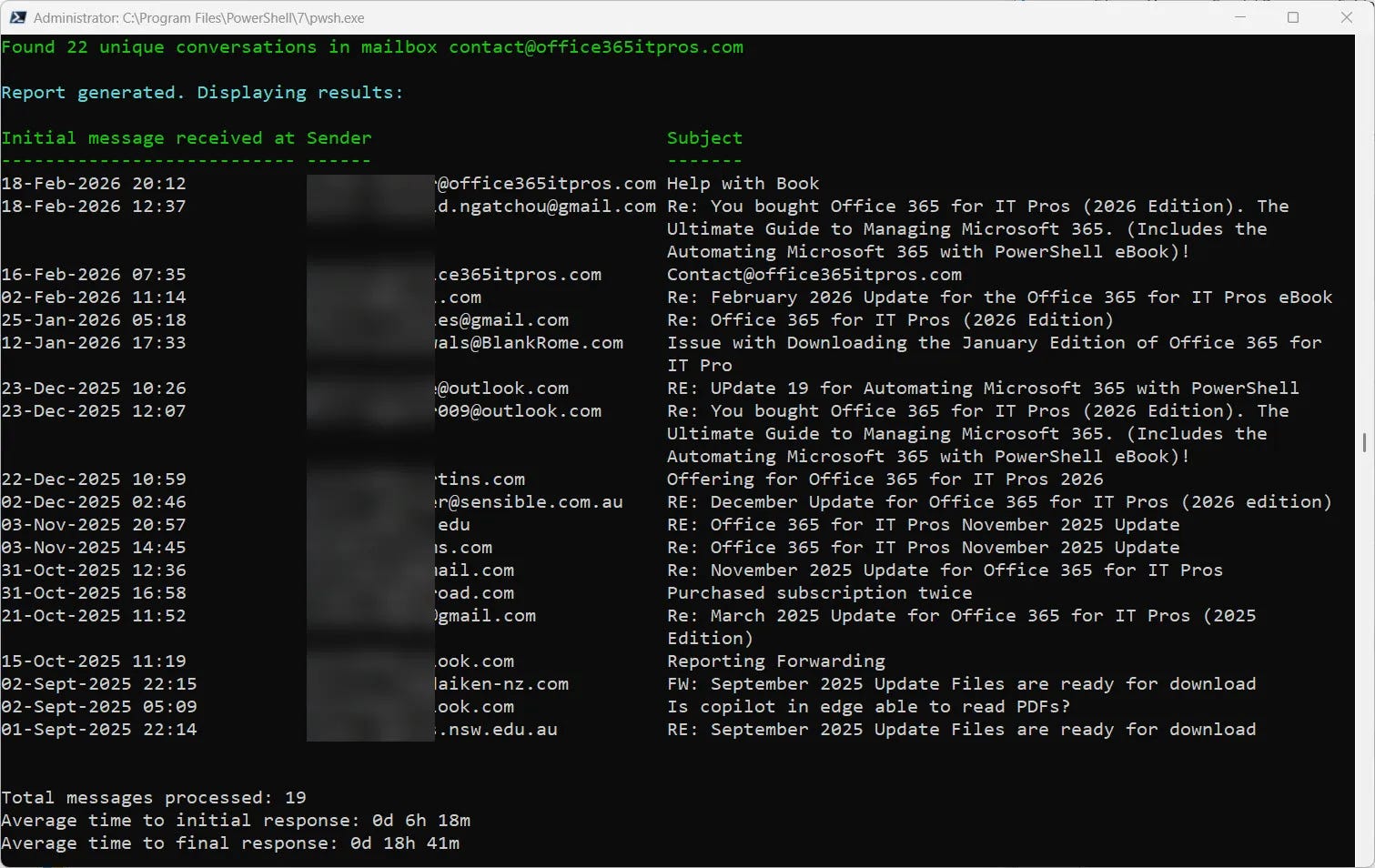
Tony Redmond has an interesting article about how organizations can use Microsoft Graph and PowerShell to track responsiveness and customer interaction metrics within Exchange Online shared mailboxes. The post explores the technical challenges of identifying individual responders and measuring elapsed time between messages using conversation identifiers to gain insights into team productivity.
https://office365itpros.com/2026/03/05/shared-mailbox-kpi/
Microsoft Graph 5 - Send Email using PowerShell and Microsoft Graph
JackedProgrammer has a great video about using the Microsoft Graph SDK and PowerShell to automate sending emails, including how to handle file attachments. The tutorial demonstrates constructing the necessary JSON-like hash tables for the Graph API, converting files to Base64 strings for transmission, and provides a clear example of sending both plain text and PDF documents.
Even More PwshSpectreConsole Tools
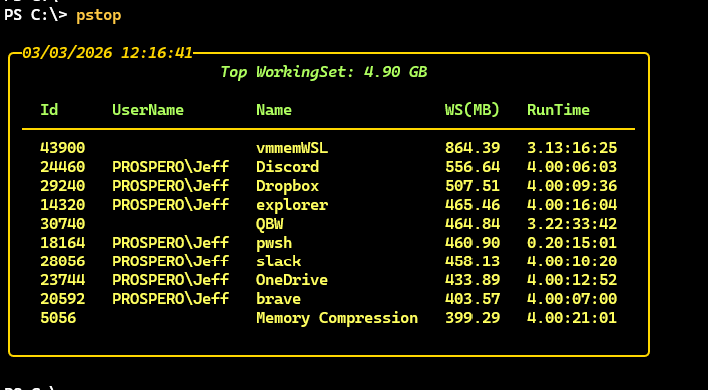
Jeffery Hicks has a great article about creating advanced PowerShell terminal tools using the PwshSpectreConsole module to enhance data visualization. The post provides functional script examples for monitoring top processes and displaying system health data in dynamic, colorized tree and panel formats.
https://buttondown.com/behind-the-powershell-pipeline/archive/even-more-pwshspectreconsole-tools/
Upcoming Events
PowerShell + DevOps Global Summit 2026 April 13-17, 2026 in Bellevue, WA - The premier PowerShell community event returns this spring!
https://www.powershellsummit.org/
PSConfEU 2026 June 1-4, 2026 in Wiesbaden, Germany - Call for speakers is now closed.
https://psconf.eu/