

Man, what a monster week for PowerShell!
PowerShell 7.7.0-preview.1 Released
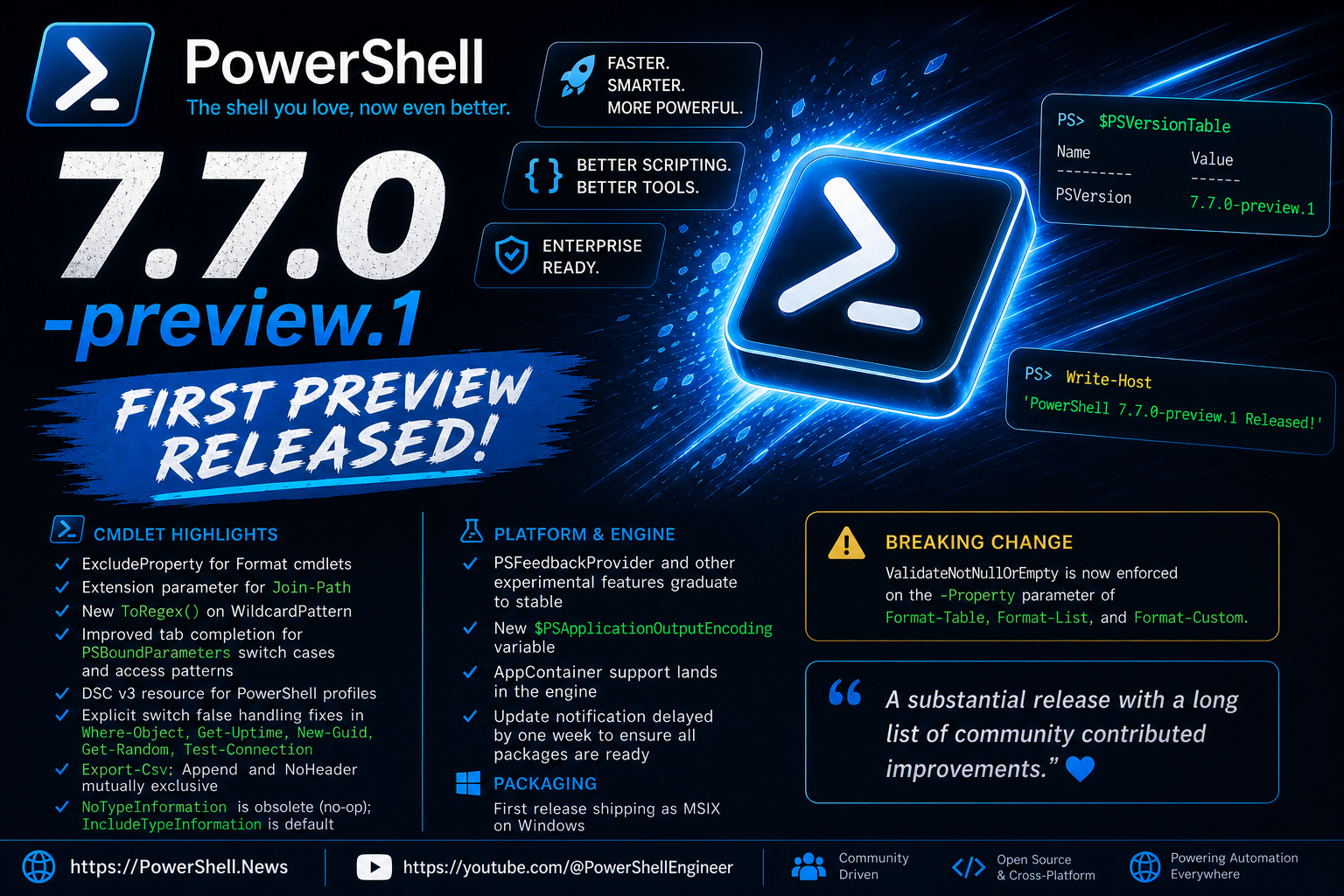
The first preview of PowerShell 7.7 dropped this week and it is a substantial release with a long list of community contributed improvements. On the cmdlet side, highlights include an ExcludeProperty parameter for the Format cmdlets, an Extension parameter for Join-Path, a new ToRegex method on WildcardPattern, improved tab completion for PSBoundParameters switch cases and access patterns, and a DSC v3 resource for PowerShell profiles. Several long standing annoyances around explicit switch false parameter handling get fixed across multiple cmdlets including Where-Object, Get-Uptime, New-Guid, Get-Random, and Test-Connection. Export-Csv gets a quality of life fix making Append and NoHeader mutually exclusive, and NoTypeInformation is now marked as an obsolete no-op with IncludeTypeInformation becoming the default behavior.
PSFeedbackProvider and several other experimental features also graduate to stable in this release. There is a new PSApplicationOutputEncoding variable, AppContainer support lands in the engine, and the update notification now delays by a week to ensure all packages are available before nagging you. On the breaking changes side, ValidateNotNullOrEmpty is now enforced on the -Property parameter of Format-Table, Format-List, and Format-Custom. And yes, this is the first release shipping as MSIX rather than MSI on Windows, so if you missed last week’s item from Harm on that change, now is a good time to go back and read it.
https://github.com/PowerShell/PowerShell/releases/tag/v7.7.0-preview.1
DSC v3.2.0 Released
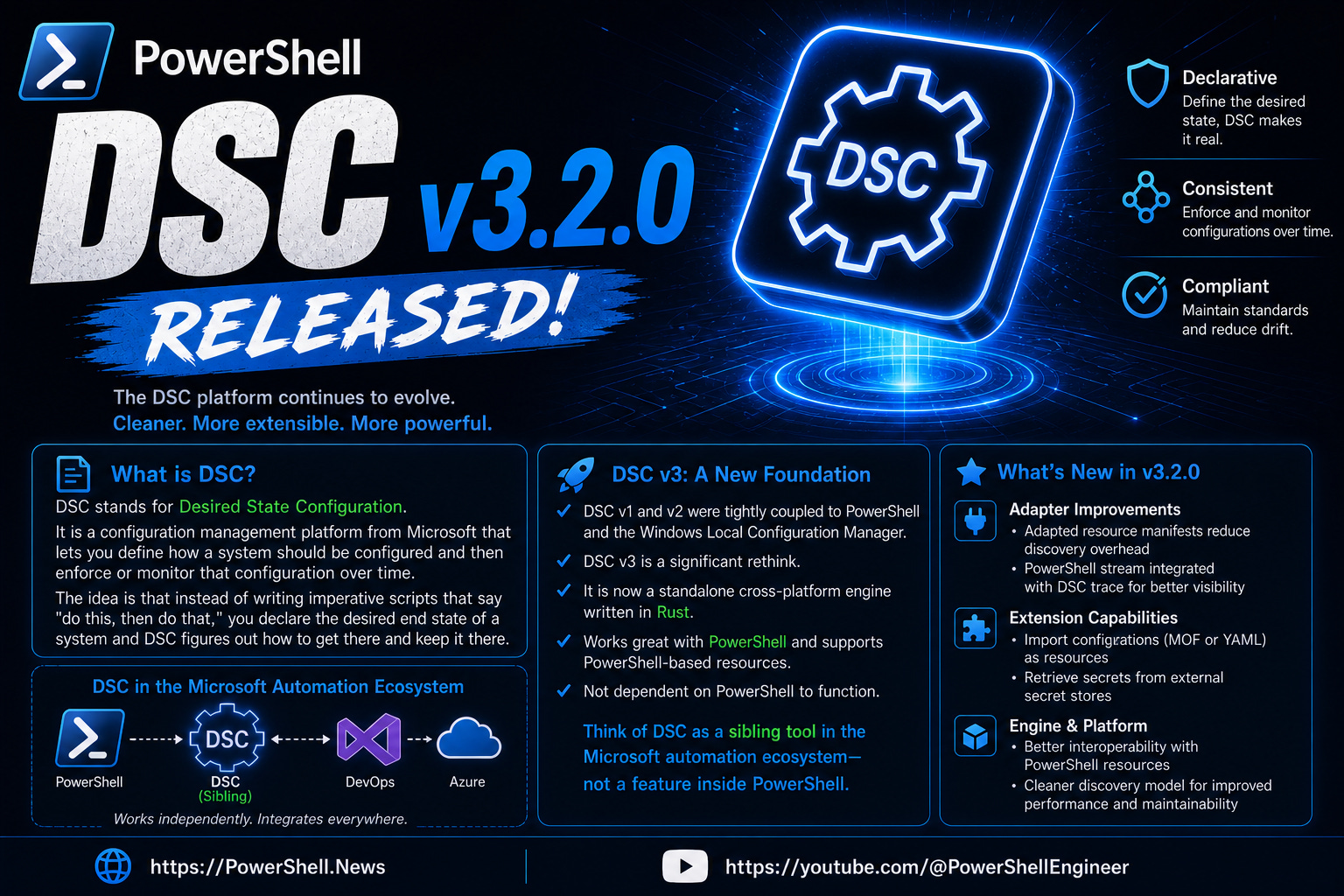
DSC v3.2.0 hit general availability this week and it is a substantial update. New built-in Windows resources cover services, optional features, features on demand, firewall rules, and a full suite of SSH server configuration resources, all ready to use without additional installation. Version pinning lands in this release, meaning you can now lock a configuration document to a specific DSC version and pin individual resources to version ranges, which addresses a real gap for anyone running configurations across environments with different resource versions. The expression language gets lambda expressions with map and filter functions, dataUri functions, and reference usage inside copy loops. Adapter improvements include automatic conversion of PowerShell Write-* streams to DSC traces, which is a nice quality of life addition for resource authors. The experimental Bicep integration via gRPC is also included, letting Bicep orchestrate DSC resources directly without going through ARM. And an experimental PowerShell discovery extension now lets DSC find resources defined in PowerShell modules that are not traditional PSDSC resources. Big release with a lot of community contribution behind it.
https://devblogs.microsoft.com/powershell/announcing-dsc-v3-2-0/
From Event Logs to AI Workflows with Lucas Allman | The PowerShell Podcast E225
Lucas Allman joins Andrew Plaw for a conversation that starts with practical beginner wins and builds into bigger questions about AI, learning, and career growth in IT. The episode covers hands-on use cases like using Get-WinEvent to filter event logs and reusing XPath filters from Event Viewer inside PowerShell scripts, writing full functions directly in the interactive terminal and saving them with a custom helper so good code survives the session, and the experience of speaking at PowerShell Summit for the first time.
The AI discussion is one of the better ones out there right now, with Lucas making a clear case for using it as a collaborator to offload repetitive work and learn faster rather than a replacement for the judgment and critical thinking that still matter (which I totally agree with). Impostor syndrome - which we talk about below with Robert’s post - keeping up with change, and why curiosity and community remain as important as technical skill all get a moment too.
Legacy: My First Microsoft MVP Summit
Robert Bogue has a lovely short piece reflecting on attending his first MVP Summit over 20 years ago, where he sat in the back of a room and watched Jeffrey Snover present what would eventually become PowerShell, then still called Monad. He writes honestly about the impostor syndrome he felt that day and how Snover’s vision for a consistent verb noun command language stood out as the single clearest piece of thought leadership from the entire event. Worth a few minutes of your time as a reminder of where all of this came from. I actually felt the same way when I was out in Redmond.
https://thorprojects.com/2026/04/30/legacy-my-first-microsoft-mvp-summit/
PowerShell Summit After Dark | The PowerShell Podcast
Andrew Plaw recorded a couple of bar session conversations at PowerShell Summit for this special edition of the podcast. First up is Josh Dearing, known as Fortress in the PDQ Discord, talking about his journey from batch scripts to publishing modules, his first Summit experience, and why seeing speakers fail and push through was one of the most motivating things he took away from the week. The second conversation is with Jeff Wlaw, a long time PowerShell user attending his first in person Summit, reflecting on Jeffrey Snover’s session, the value of outside perspective in IT careers, and a genuinely good tangent on directness, honesty, and why being willing to be wrong is actually a sign of intelligence. Loose, honest, and exactly what you would hope a bar session podcast sounds like.
Microsoft Defender for Endpoint in Depth: 2nd Edition
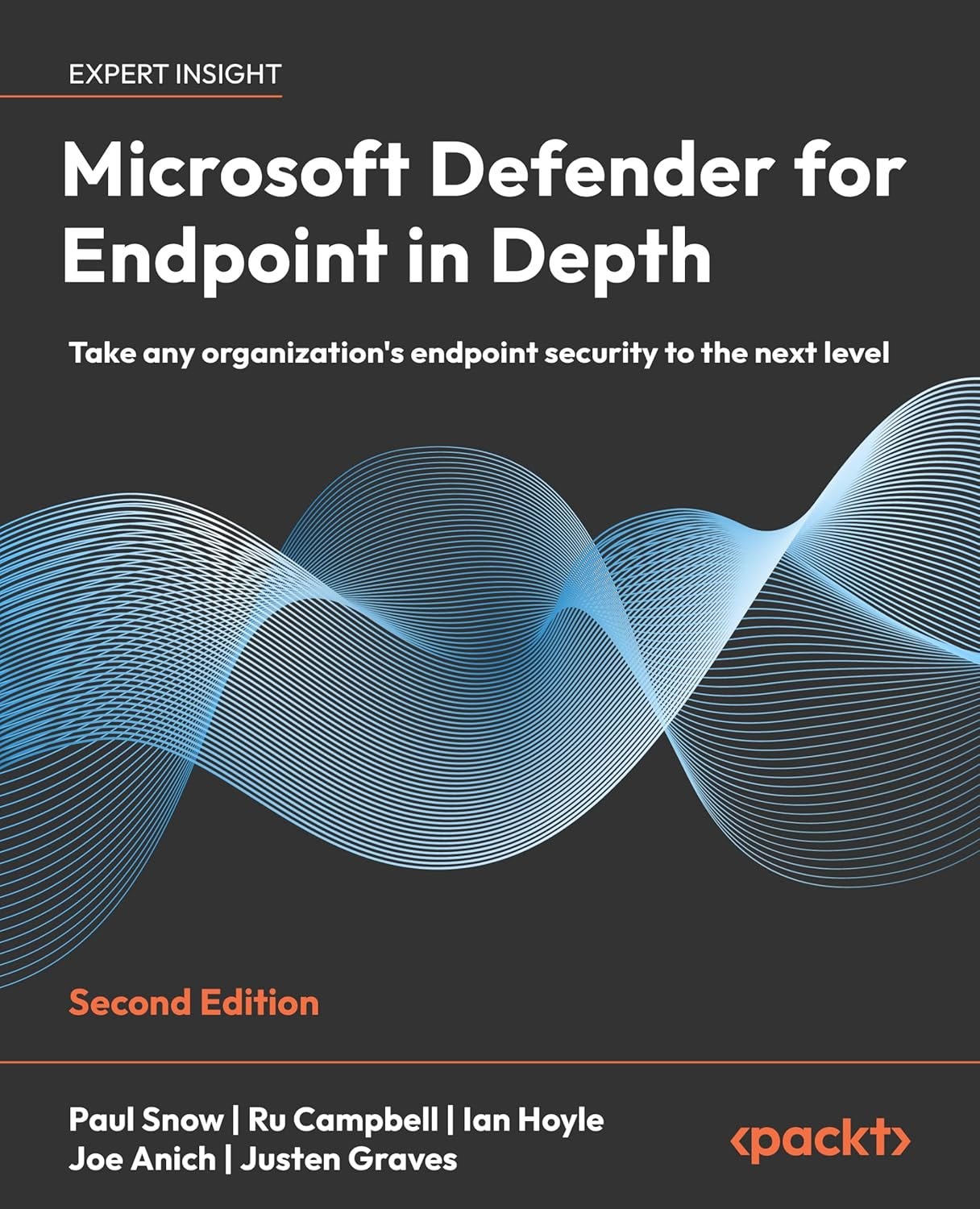
Ru Campbell announced that the second edition of Microsoft Defender for Endpoint in Depth is now available for pre-order, shipping in May. Written alongside Paul Snow and Ian Hoyle, the new edition adds three fresh chapters covering tuning and situational optimizations, mobile threat protection, and safer production rollouts, with every other chapter refreshed to reflect the three years of Defender changes since the first edition. If you are serious about MDE in your environment this has been one of the most recommended practical guides in the space and the update sounds substantial.
https://www.amazon.com/dp/1837026114
PowerShell in the Browser: Safe Sandboxes and Interactive Learning
James Brundage presented at the Research Triangle PowerShell Users Group on two projects he has been building: Reptile, a browser based PowerShell REPL built on data language mode that lets you run only the commands you explicitly whitelist, and Turtle, an interactive graphics programming environment layered on top of it. The safety story is genuinely clever, data language mode has been in PowerShell since V2 and makes it impossible for a user to run commands you have not approved, which means you can hand this to a complete beginner or even a kid and not worry about them accidentally doing something destructive. The demos are fun, including drawing 100 random turtle graphics in under 20 seconds and an accidental karaoke server, but the underlying architecture is worth understanding if you have ever wanted to expose PowerShell functionality through a browser interface without the usual security headaches.
Celebrating 250 PowerShell Posts
Harm Veenstra hit a milestone this week with his 250th post on PowerShellIsFun, four years after starting the blog in April 2022. He shares some honest reflections on writer’s block, the fear of posting things others have already covered, and how the PowerShell community’s welcoming nature made all of it worthwhile. A well deserved milestone from someone who consistently puts out quality content every single week. Harm is a great guy.
https://powershellisfun.com/2026/04/24/celebrating-my-250-powershell-related-posts/
April 2026 PowerShell Potluck with Jeff Hicks
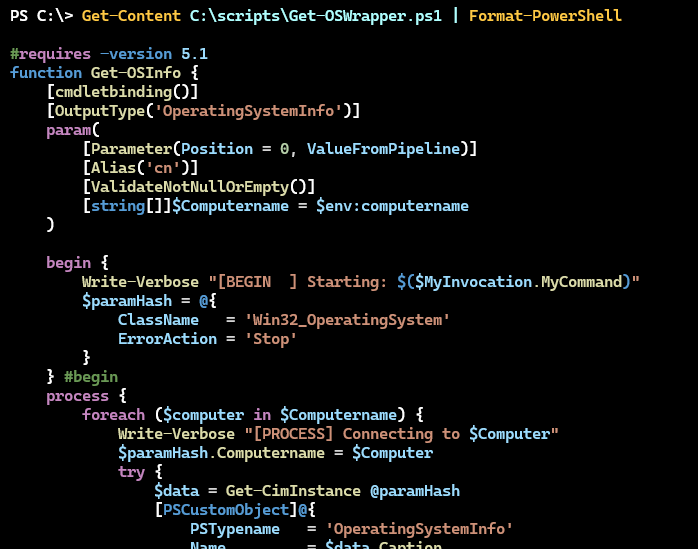
Jeff Hicks wraps up April in his newsletter with a few things worth checking out. The main discovery this month is the TextMate module, a syntax highlighting wrapper that makes viewing script files in the console genuinely pleasant, with support for dozens of languages, multiple themes, and paging for longer files. Jeff also shares a moment from PowerShell Summit that clearly meant a lot to him: he received the Don Jones PowerShell Community Leadership Award, nominated by members of the community. Well deserved. He closes with this month’s scripting challenge, which asks you to use Get-NetAdapterStatistics to build a live updating display using either Write-Progress or the pwshSpectreConsole module.
https://buttondown.com/behind-the-powershell-pipeline/archive/april-2026-powershell-potluck/
Office 365 for IT Pros May 2026 Update
Tony Redmond’s monthly roundup covers Microsoft’s upcoming Modernized Change Management system, which promises better written message center posts, an MCP server for querying updates, and a new frontier tier for tenants wanting earlier feature access. Other notable items include the ability to change a meeting organizer via Exchange Online PowerShell, recently used Teams emojis syncing across devices, and Copilot Chat gaining access to shared mailbox content for licensed tenants. The Automating Microsoft 365 with PowerShell eBook is also updated to version 23 this month for subscribers.
https://office365itpros.com/2026/05/01/office-365-for-it-pros-may-2026-update/
Upcoming Events
PSConfEU 2026 June 1-4, 2026 in Wiesbaden, Germany
https://psconf.eu/