

Automatically export your Intune platform scripts and remediation scripts to SharePoint using Azure Automation
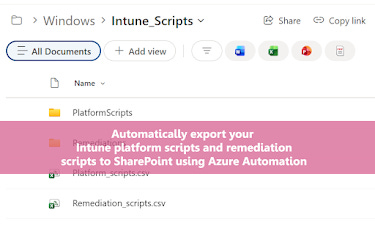
Damien Van Robaeys has an interesting blog about how to automate the backup and accessibility of Intune scripts by syncing them directly to a SharePoint site. While managing Intune environments in 2026, he developed a streamlined Azure Automation runbook that exports both platform and remediation scripts into organized folders and summary CSV files. It’s a practical solution for teams who want to keep their script inventory up-to-date and easily viewable without constantly diving into the Intune portal.
https://www.systanddeploy.com/2026/03/automatically-export-your-intune.html
PowerShell Tips and Windows Shortcuts
Andrew Plaw from PDQ has a great video about boosting productivity through essential PowerShell features like PSReadLine and custom Windows Run dialog shortcuts. While demonstrating at a PDQ Live session in 2026, he explains how to use Ctrl+Space for advanced tab completion, F1 for context-sensitive help, and how to add a custom folder to the Windows System Path to launch any application instantly via the Win+R dialog. It is a fast-paced guide designed for both beginners and experienced sysadmins who want to minimize mouse usage and master their command-line workflow.
Automating Microsoft 365 with PowerShell Update #22
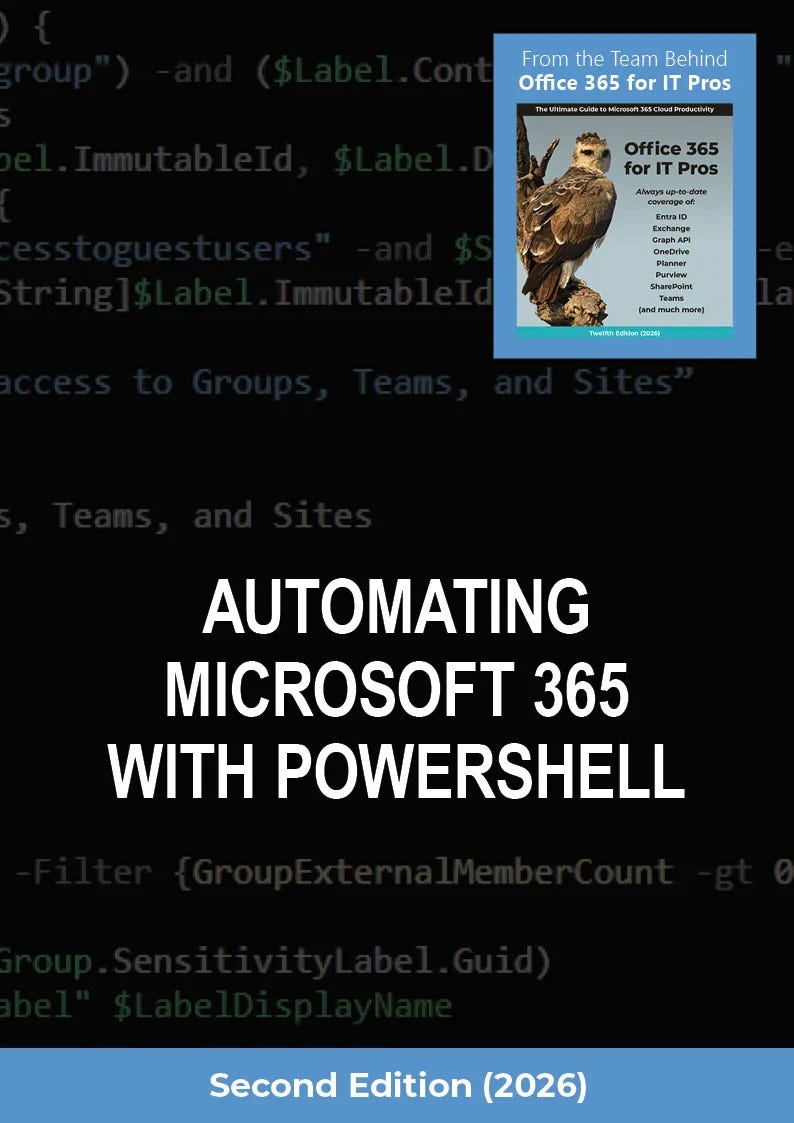
Tony Redmond has a great article about the March 2026 release of the PowerShell eBook update, which focuses on Exchange Online RBAC for Azure Automation and deep dives into Microsoft Graph navigable properties. While managing the Office 365 for IT Pros ecosystem in 2026, he highlights the critical additions to the Graph SDK and addresses the growing challenges of maintaining automation quality amidst the heavy industry shift toward AI resources.
https://office365itpros.com/2026/03/20/automating-microsoft-365-ps22/
AI Benchmarks Are Rigged — So I Built My Own in PowerShell
Doug Finke has a great video about his PSAI suite PowerShell module which allows users to run standardized benchmarks across over 15 different AI providers simultaneously. While navigating the rapidly shifting AI landscape in early 2026, he developed this tool to move beyond “sensationalized” public benchmarks and provide developers with a way to test real-world instruction following, reasoning, and latency. It’s a powerful framework for anyone needing to objectively compare model performance or validate complex prompt systems within their own automation workflows.
Regular Expression Actions
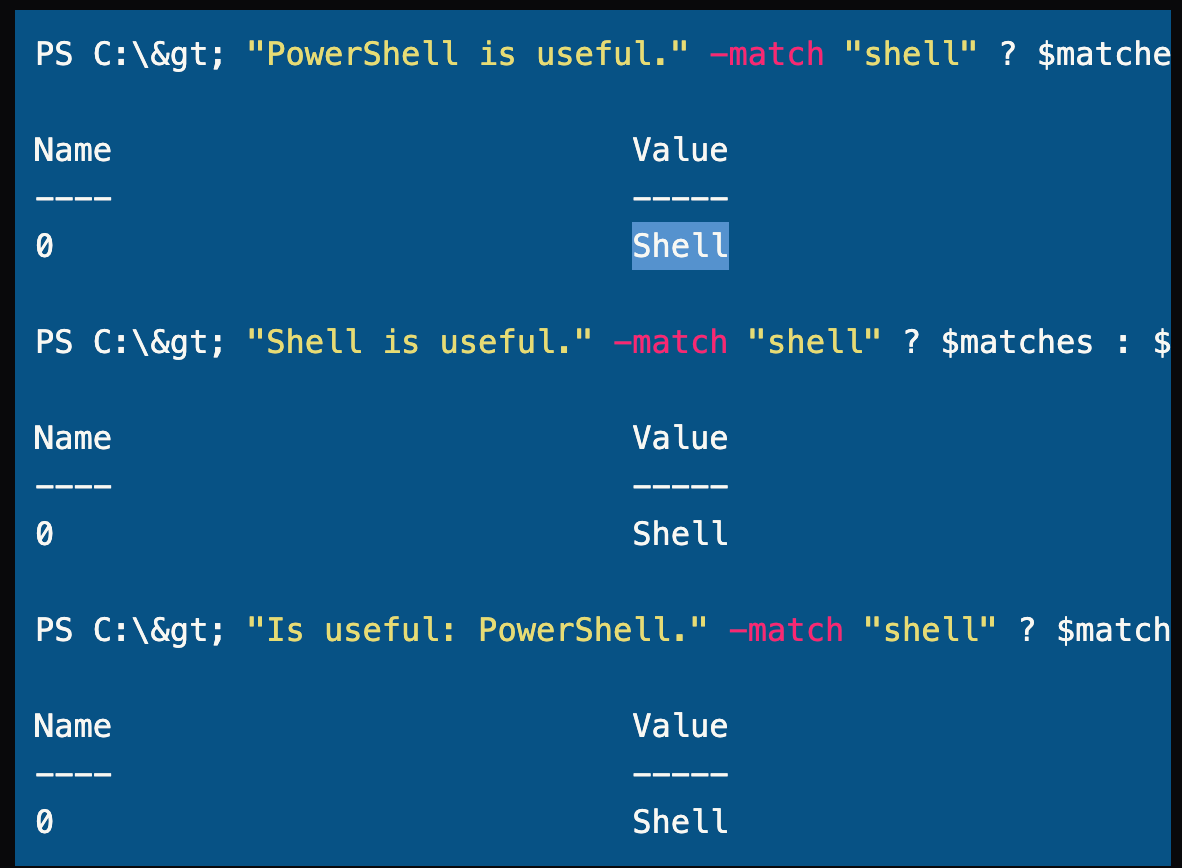
Jeff Hicks has an interesting post about how to use anchors and other advanced regular expression techniques to refine data filtering in PowerShell. While exploring the nuances of “floating matches” in 2026, he demonstrates how to use the ^ and $ characters to precisely target strings that start or end with specific patterns, such as filtering service names or complex file lists. It is a helpful guide for scripters who need to move beyond basic matching to handle unstructured text data more effectively.
https://buttondown.com/behind-the-powershell-pipeline/archive/regular-expression-actions/
Start Small and Keep Building in PowerShell. The PowerShell Podcast E218 Mason Moser
Mason Moser has an interesting video about his journey from reading PowerShell in a Month of Lunches to presenting on the Vim text editor and working in risk and governance within the security industry. While navigating the early stages of his career in 2026, he emphasizes the importance of starting with small automation tasks, like daily file cleanup scripts, and leveraging the PowerShell community to overcome imposter syndrome. It is a motivating watch for beginners who might feel overwhelmed, as it highlights how consistent, small steps can eventually lead to complex tool-making and public speaking opportunities.
Automate Compromised Account Remediation
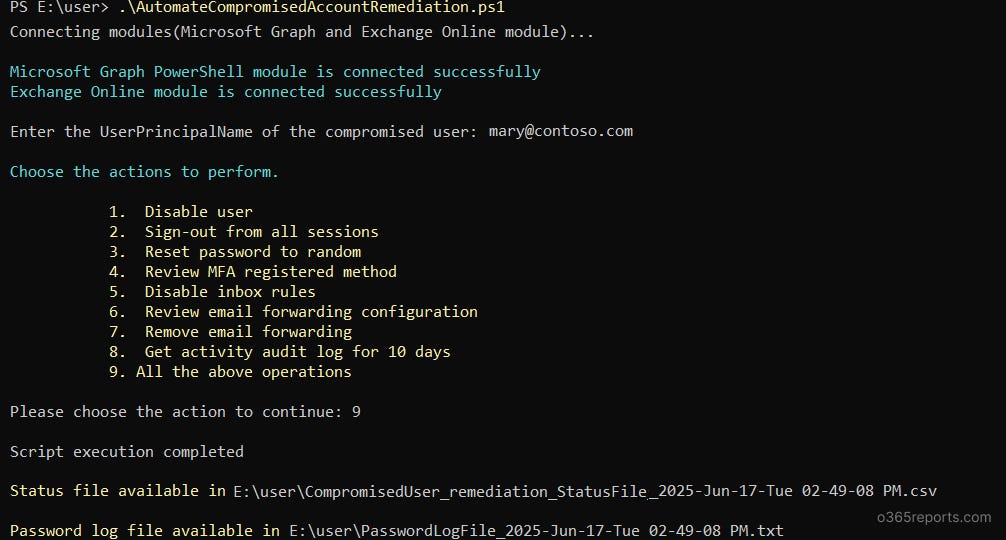
admindroid-community has a great article about a PowerShell script that automates eight critical security best practices for handling compromised Microsoft 365 accounts. It provides a single-click workflow to quickly disable users, reset passwords, and audit suspicious activities to ensure a consistent incident response.
Upcoming Events
PowerShell + DevOps Global Summit 2026 April 13-17, 2026 in Bellevue, WA - The premier PowerShell community event returns this spring!
https://www.powershellsummit.org/
PSConfEU 2026 June 1-4, 2026 in Wiesbaden, Germany - Call for speakers is now closed.
https://psconf.eu/