

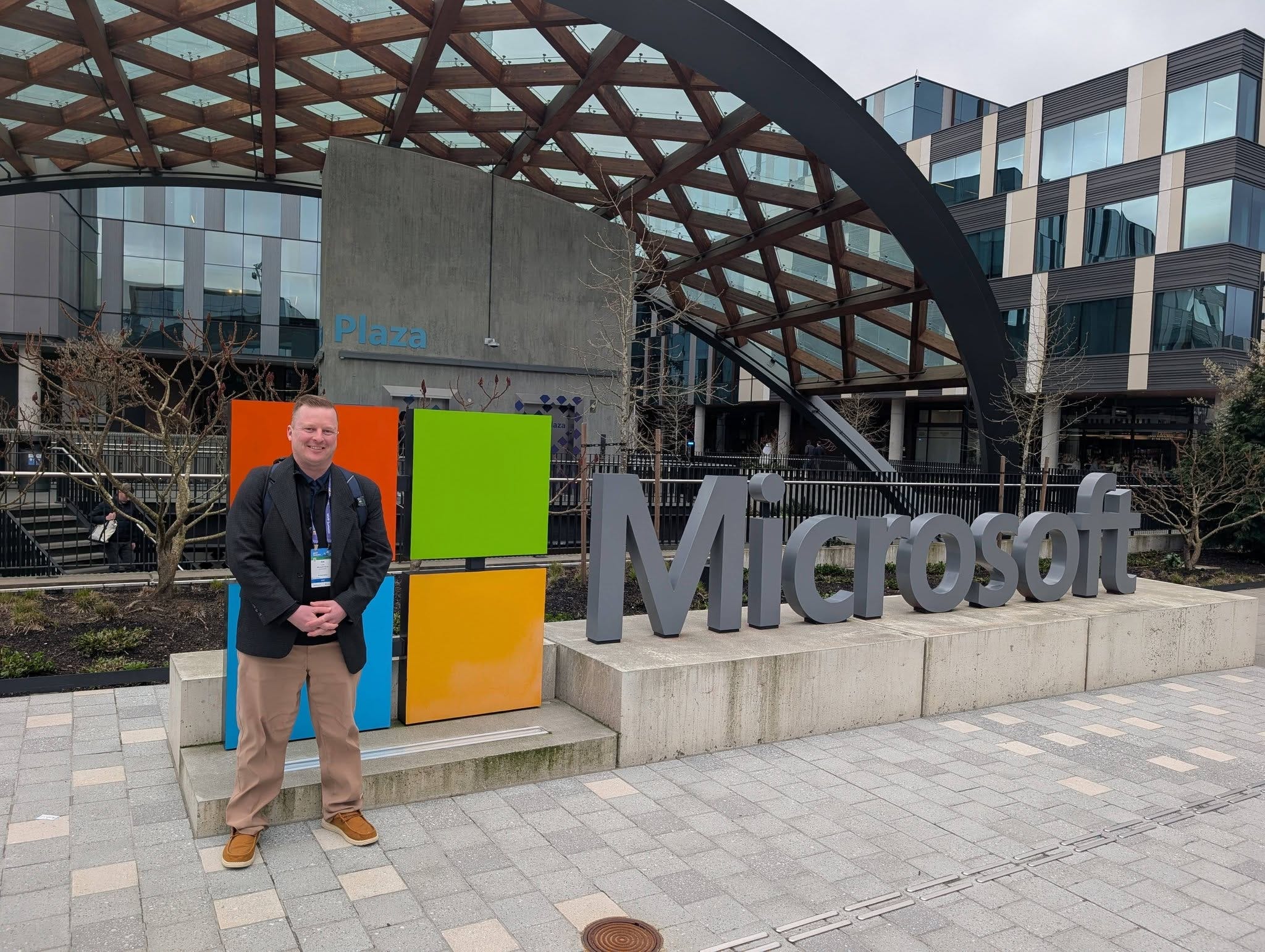
Greetings from the Microsoft MVP Global Summit in what was, as of yesterday, a sunny Redmond, Washington. Sorry it’s coming to you a bit late - I’m in Pacific time and always like to do a final curation on Fridays. It has been such a privilege to be able to be able to visit Microsoft HQ and roam their beautiful campus. There are so many great things coming from Microsoft that I, unfortunately, cannot talk about, but keep reading here, Entra.News and the Intune Newsletter for more great updates.
PowerShell Community Call - March 19th, 2026
The March 2026 PowerShell Community Call kicked off with Sydney Smith delivering updates on PS Resource Get and the Microsoft Artifact Registry. The big news is that a .NET library for ORAS is now available, meaning the upcoming 1.3 release will let you use any OCI container registry, not just Azure specific ones (Sydney seemed particularly excited about GitHub container registries). Sydney also committed to publishing a blog post before the April call that will lay out the current package management landscape and give enterprise customers clearer guidance on timelines for the transition away from PS Gallery as the default source.
Steve Lee then demoed DSC v3 Preview 13, which shipped roughly half an hour before the call began. The preview introduces a new Service resource and an Optional Feature List resource, both written in Rust for speed, and Steve walked through live demos of getting, testing, and setting service states. He was very upfront that these are experimental 0.1 versions and actively invited community feedback on design decisions like whether a property should be called “name” or “feature name,” which is the kind of collaborative development that makes the PowerShell ecosystem genuinely fun to follow.
The call wrapped up with two crowd pleasers. Sean Wheeler showed off his Release Info module, which pulls data from sources like endoflife.date, GitHub, and packages.microsoft.com to give you a unified view of PowerShell release status and OS support timelines (the kind of tool you build for yourself at 2am and then realize you should probably share). Thomas Nieto then demoed a full LCM and pull server replacement built on DSC v3, complete with a Blazor UI, compliance dashboards, drift reporting, a scoped parameter system, and even composite configurations for managing multiple team responsibilities on a single node. Jason Helmick also noted that PowerShell 7.6 went GA and that RHEL 10 and Debian 13 RPM packages are nearly ready, with a minor pipeline snag being resolved within a few days.
Chris Thomas sits down with Andrew Pla to talk
In this episode of the PowerShell Podcast, Andrew Plaw sits down with Chris Thomas, someone I know well from the Michigan K12 IT world (actually a major influence in my early PowerShell years), whose career arc from high school intern to Endpoint and Cloud Systems Architect at an ISD serving six school districts will feel deeply familiar to anyone in our space. The conversation covers the profound influence Don Jones and his “Be the Master” philosophy had on Chris, alongside some genuinely great real-world PowerShell war stories including automating Apple ID creation for 1,200 iPads, building a full identity management solution from scratch, and using a DHCP scope crawling script to help track down a student who was DDoSing the district and attempting Bitcoin extortion with the FBI eventually getting involved. Chris and Andrew also dig into the PowerShell App Deployment Toolkit, the challenge of migrating from the ISE to VS Code, and the recurring theme that the hardest part of growing in any technical community is simply taking that first step and putting yourself out there, something Chris continues to model through his user group leadership and regional K12 conference presentations.
PowerShell v7.6 LTS Release and why it matters
Harm Veenstra has a quick but useful breakdown of the PowerShell 7.6 LTS release, covering what LTS actually means, why you should bother upgrading, and what is new in the release. Highlights include updates to PSReadLine and PSResourceGet, tab completion improvements, new parameters added to several existing cmdlets, and a handful of breaking changes worth knowing about before you upgrade. If you are still on 7.4, now is a good time to make the move.
https://powershellisfun.com/2026/03/20/powershell-v7-6-lts-release-and-why-it-matters/
PowerShell to MCP in 30 Seconds: The “Zero-Boilerplate” Guide for Architects
Doug Finke did a live demo showing how to turn a PowerShell function into a working MCP server tool in about 30 seconds using his PSMCP server module, with VS Code Copilot acting as the client. The core idea is elegant: wrap your existing PowerShell functions, let the module extract the names, parameters, and help documentation, and the AI client can discover and call those functions naturally through conversation. Doug also touched on important practical considerations like context bloat from too many tools, the security risks of running untrusted MCP servers, and the value of wrapping built-in cmdlets to constrain what the AI can actually do with them.
Jeffrey Snover on AI Safety
Jeffrey Snover attended the STAMP Safety Design Workshop at MIT this week and came away with a perspective worth paying attention to. His core argument is that “AI safety” is a category error because AI is not a system, it is a component of a system, and safety is a property of systems, not components. The same way a hard disk is neither safe nor unsafe on its own, an AI model only becomes safe or unsafe based on how it is deployed and what guardrails the surrounding system provides. Jeff lays out a practical engineering playbook for building safe systems that include AI components, while pushing back hard on the idea that we should wait for someone to declare a model certified and safe before proceeding. Stop waiting for AI to be safe, he says. Start building systems that are.
Building Cross-Platform GUIs with PowerShell and GliderUI
Andrew Plaw and Josh Hendris spent a PowerShell Wednesday session exploring Glider UI, a cross-platform GUI framework for PowerShell built by community legend MDGRS that uses Avalonia as its rendering backend. The big appeal here is that it sidesteps the classic threading nightmare of Windows Forms and WPF by running the UI as a separate process that PowerShell communicates with, meaning your terminal stays interactive while the window is open. They walked through several examples including input controls, a progress bar demo they gleefully sabotaged with a five minute sleep at 95 percent completion, and a quick random name picker Josh built by hacking up the data grid example. The project is still in the prototyping phase so they hit a few rough edges, but the data grid support alone makes it worth watching given that it is something the similar WinUI Shell project currently lacks.
The Sad State of Microsoft Graph and Other APIs
Tony Redmond has a blunt piece on the frustrating state of the Microsoft Graph API, and it is worth a read if you have ever wrestled with its inconsistencies. The complaints from MVPs are familiar ones: missing or inconsistent API coverage across workloads, beta APIs that have been sitting in beta for years, an underfunded Microsoft Graph PowerShell SDK with a growing bug backlog, and the ongoing assembly clash nightmare between the SDK and the Exchange Online module. Tony does not pull punches on the likely cause either, pointing to Microsoft’s Copilot obsession as the thing quietly draining engineering resources from everything else. Definitely an interesting read.
https://office365itpros.com/2026/03/18/microsoft-graph-issues/
Upcoming Events
PowerShell + DevOps Global Summit 2026 April 13-17, 2026 in Bellevue, WA - The premier PowerShell community event returns this spring!
https://www.powershellsummit.org/
PSConfEU 2026 June 1-4, 2026 in Wiesbaden, Germany
https://psconf.eu/