

PowerShell Automation for Sysadmins: Working Smarter With Three MVPs and 500 Attendees
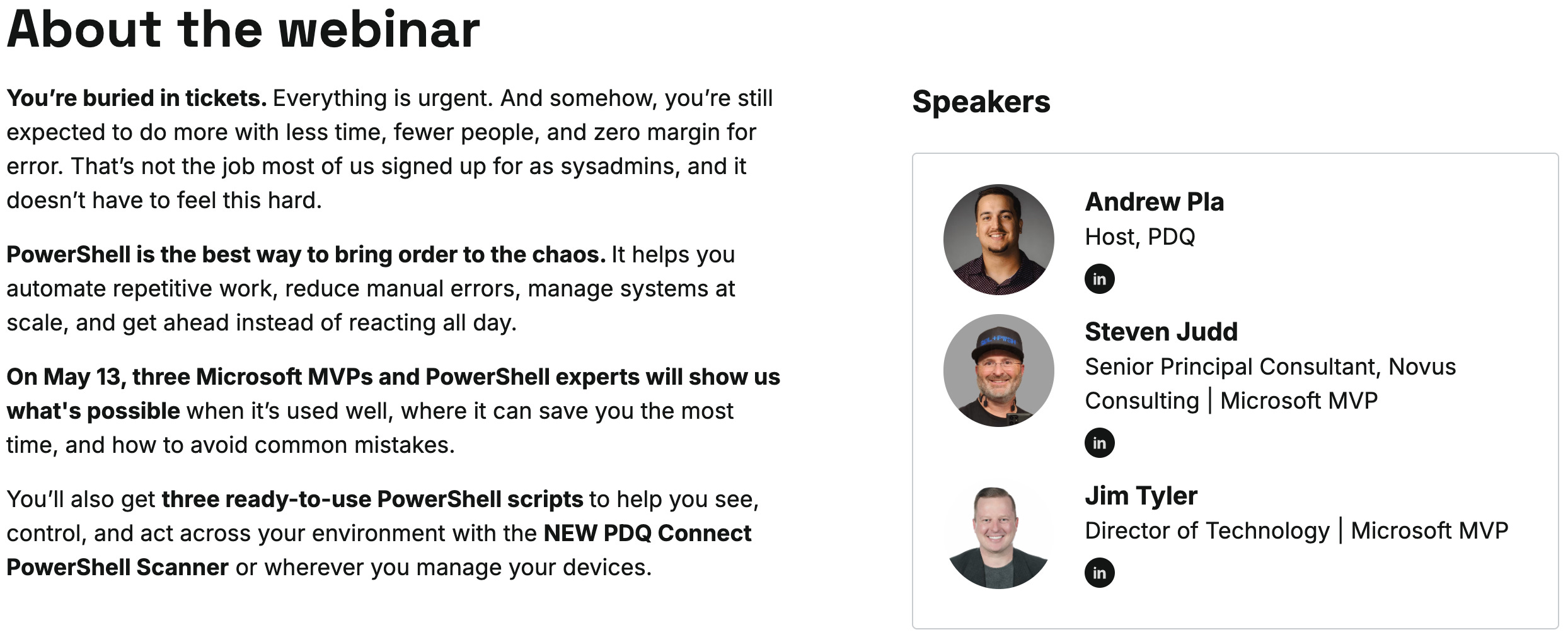
So this is a little embarrassing. I joined Andrew Pla and Steven Judd for the PDQ webcast on PowerShell automation for sysadmins on May 13, three Microsoft MVPs talking for an hour about how PowerShell helps you stop doing sysadmin work the hard way, and I somehow managed to put together this entire newsletter without mentioning it once. Over 500 of you joined us live, which still kind of blows my mind. We covered how to figure out which tasks to automate first, why reporting and visibility scripts are the safer starting point than anything destructive, how Andrew thinks about going from reactive to proactive, why Steven hammers on the object oriented nature of PowerShell as the thing that trips people up early, and how I keep my K12 environment from imploding during student rollover when thousands of accounts need to move between organizational units at once. The full recording is on demand now, and Meredith Kreisa at PDQ wrote up an excellent companion piece that captures the whole conversation.
Watch it here: https://www.pdq.com/events/it-exchange-may2026/
Blog based on it here: https://www.pdq.com/blog/powershell-automation-for-sysadmins/
Patch Tuesday May 2026: 118 CVEs, 16 Critical, and a Dynamics 365 RCE That Demands Attention
Brock Bingham at PDQ has the full Patch Tuesday breakdown for May, and this one earned its keep. Microsoft addressed 118 CVEs with 16 rated critical, headlined by CVE-2026-42898, a Dynamics 365 remote code execution flaw scoring 9.9, and CVE-2026-41096, a 9.8 DNS Client RCE that should be patched in every environment yesterday. There is also a cluster of seven critical Office RCEs and a Hyper-V issue worth reading up on before you cut your maintenance window.
https://www.pdq.com/blog/patch-tuesday-may-2026/
Microsoft.Graph PowerShell Modules 2.37.0 Released
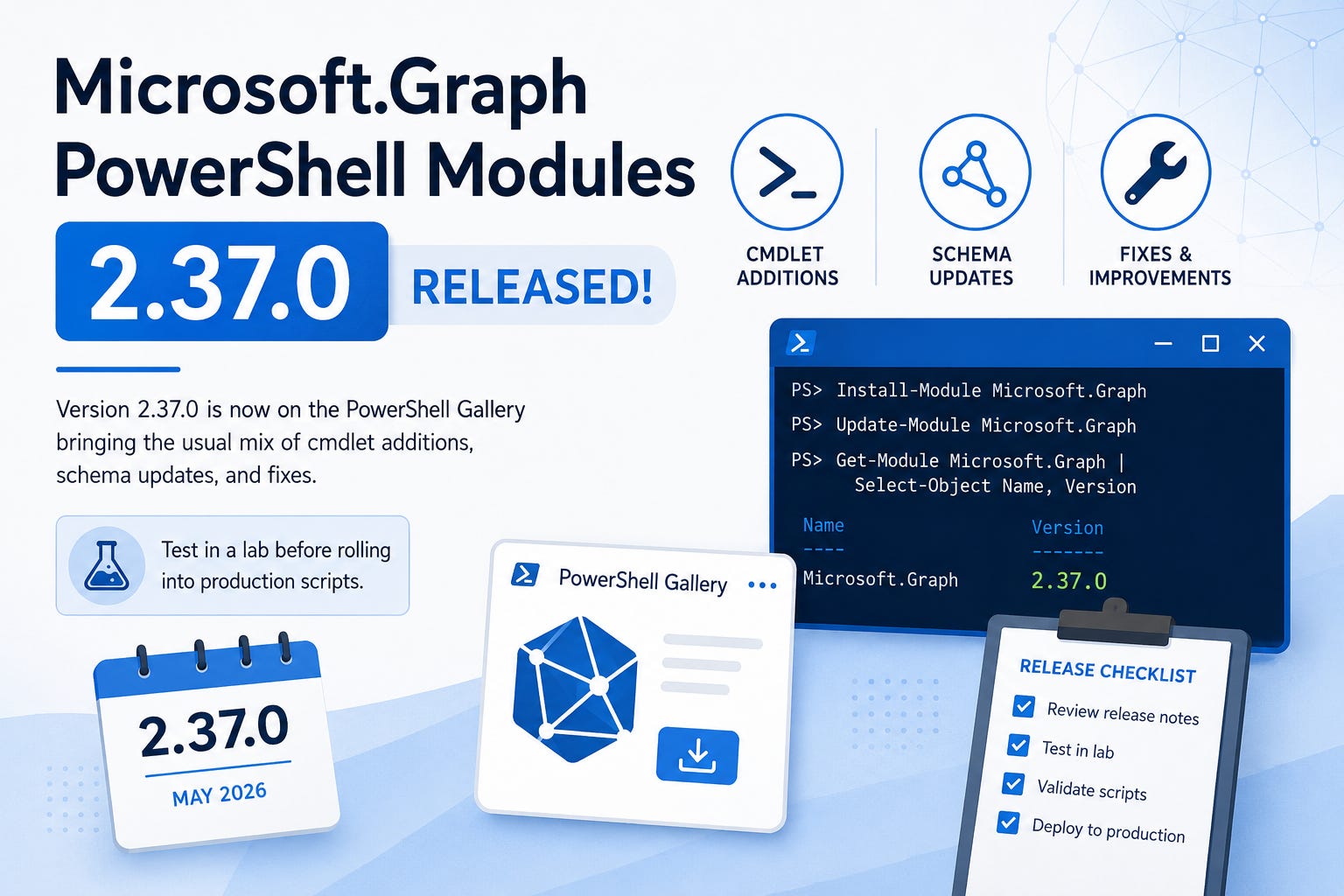
Tony Schultz at Icewolf has the quick rundown on the latest Microsoft.Graph PowerShell module release. Version 2.37.0 is now on the PowerShell Gallery and brings the usual mix of cmdlet additions, schema updates, and fixes that come with each release. If you are running automation that depends on Graph cmdlets, this is the kind of update you want to test in a lab before rolling into production scripts.
https://blog.icewolf.ch/archive/2026/05/13/microsoft-graph-powershell-modules-2-37-0-released/
Understanding How Graph Permissions for Groups Actually Work
Tony Redmond breaks down one of the more confusing corners of Microsoft Graph, the difference between Group.Read.All and GroupMember.Read.All and the implications for any app or PowerShell script that touches groups. The piece is a strong walk through of why the principle of least privilege matters here, what each permission actually unlocks, and how to reason about scopes when designing automation. If you have ever requested a wider permission than you really needed because the docs were unclear, this one is worth your time.
https://office365itpros.com/2026/05/13/graph-permissions-groups/
Dynamically Removing Preinstalled Microsoft Store Apps Using Native Functionality

Peter van der Woude has a great writeup on the native dynamic MSIX and APPX removal capability that arrived with Windows 11 24H2. No more debloat scripts, no more wrestling with provisioning packages that leave behind ghosts. Peter walks through how the native functionality actually works, how to target specific preinstalled apps, and what the Intune configuration looks like end to end. If you have been waiting for a clean built in answer to the bloatware problem, this is the post that explains how to use it.
Built In PowerShell Parameters You Should Be Using with Lucas Allman
Andrew Pla hosted Lucas Allman on PowerShell Wednesday this week for a beginner friendly walkthrough of the common parameters that get baked into every advanced function and cmdlet, and it is one of those topics that quietly separates people who write PowerShell from people who write good PowerShell. Lucas covers what an advanced function actually is, how a single CmdletBinding attribute or a decorated parameter unlocks the full set of common parameters for you, and why the six output streams exist as separate channels for success, error, warning, verbose, debug, and information. Good watch :)
Controlled Configuration for Microsoft Defender Antivirus Settings
Rudy Ooms has another excellent OSINT style investigation, this one digging into the ControlConfigAdapter component that Microsoft has been quietly building into Defender for managing antivirus configuration in a controlled, drift-resistant way. The post explains what the component does, where it lives, and how it interacts with the rest of the Defender configuration story. Rudy is one of the few people writing at this level of detail about Microsoft Endpoint internals, and this is required reading if you manage Defender at scale.
https://patchmypc.com/blog/controlled-configuration-for-microsoft-defender-antivirus-settings/
DSC v3.2.0 Hits GA with New Windows Resources, Version Pinning, and Experimental Bicep Integration
The 4sysops team has a solid breakdown of what landed in Microsoft Desired State Configuration v3.2.0, which reached general availability on April 29 and is rolling out into wider awareness now. The release brings built in resources for services, firewall rules, and SSH settings, extends the what-if preview mode to individual resources, introduces version pinning, and includes experimental Bicep integration over gRPC. The article walks through what changed since v3.1, the limitations to watch for, and how to install the update via winget.
https://4sysops.com/archives/dsc-v3-2-0-new-windows-resources-version-pinning-and-bicep-integration/
Upcoming Events
PSConfEU 2026 June 1-4, 2026 in Wiesbaden, Germany
https://psconf.eu/